Подержанная техника во Вьетнаме может быть выгодной покупкой. Люди часто переезжают между городами, обновляют устройства или продают вещи перед отъездом, поэтому среди объявлений встречаются хорошие телефоны, ноутбуки, планшеты, мониторы и камеры.
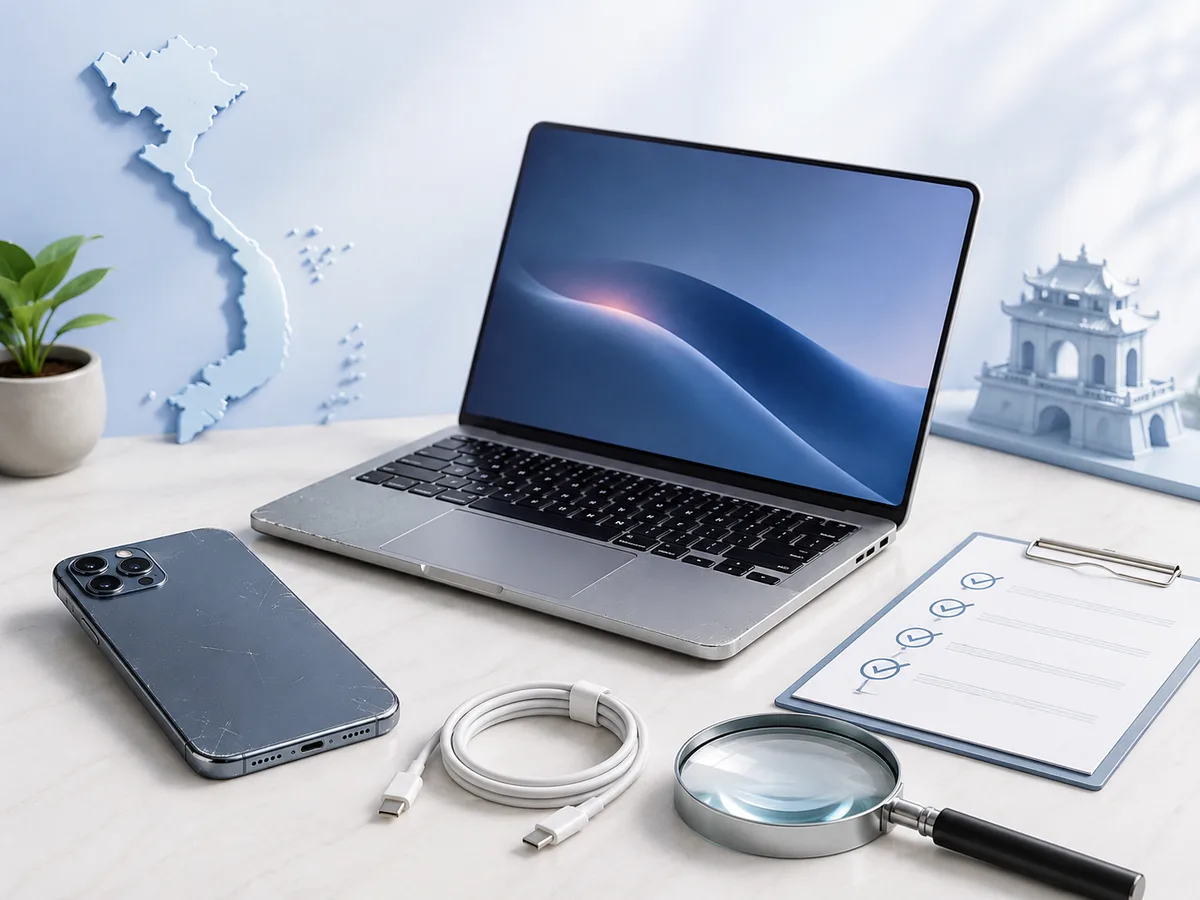
Но низкая цена сама по себе ничего не гарантирует. Устройство может иметь скрытый ремонт, слабый аккумулятор, проблемы с блокировками, повреждение после влаги или несовместимость с нужными вам сервисами. Некоторые дефекты проявляются только под нагрузкой, поэтому осмотр лучше проводить не торопясь.
Главный принцип простой: сначала проверка, потом оплата. Не наоборот.
На заметку: если продавец торопит, отказывается показать серийные данные устройства или предлагает слишком большую скидку только при немедленной предоплате, лучше отказаться от сделки.
Сначала проверьте само объявление
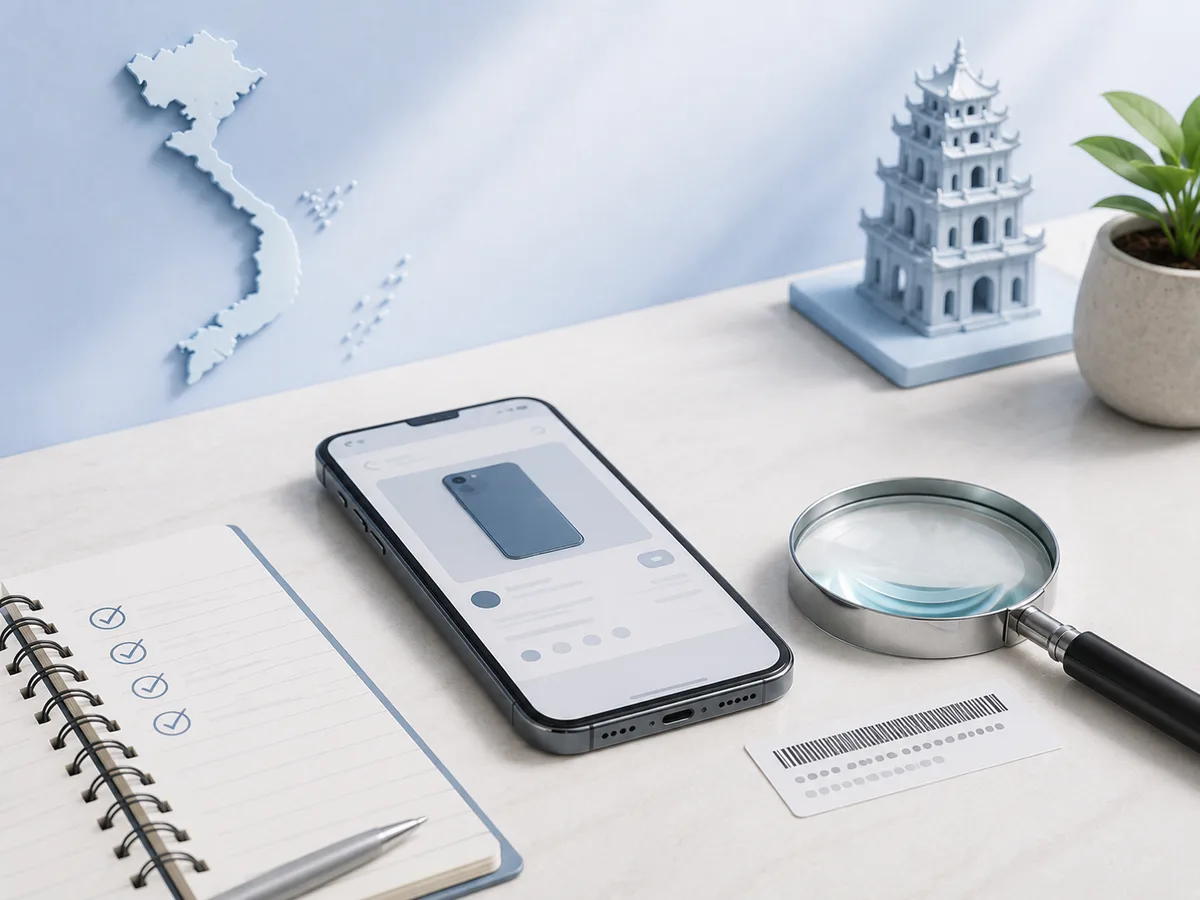
Хорошее объявление обычно содержит точную модель, объём памяти, состояние, комплект, город, реальные фотографии и причину продажи. Фразы «почти новый», «всё идеально» и «срочно нужны деньги» без конкретики не помогают оценить устройство.
Сравните цену с несколькими похожими предложениями. Очень низкая стоимость может быть объяснима переездом или косметическими дефектами, но разница должна иметь понятную причину.
Посмотрите, давно ли создан профиль продавца, есть ли другие объявления и совпадает ли стиль фотографий. Если изображения выглядят как каталог магазина или встречаются на других сайтах, попросите новое фото устройства рядом с листком бумаги или конкретным предметом.
Какие вопросы задать до встречи
Не стоит ехать через весь город, чтобы узнать базовые детали на месте. Спросите заранее:
- точную модель и объём памяти;
- сколько времени устройство использовалось;
- ремонтировалось ли оно;
- менялись ли экран, аккумулятор или корпус;
- работает ли биометрия;
- есть ли зарядка, коробка и документы;
- привязано ли устройство к чужому аккаунту;
- какие дефекты известны продавцу;
- почему техника продаётся.
Попросите фотографию раздела с информацией об устройстве, но не требуйте от продавца раскрывать лишние персональные данные. Для ноутбука полезны скриншоты характеристик, состояния накопителя и аккумулятора.
Проверка смартфона: от корпуса до связи
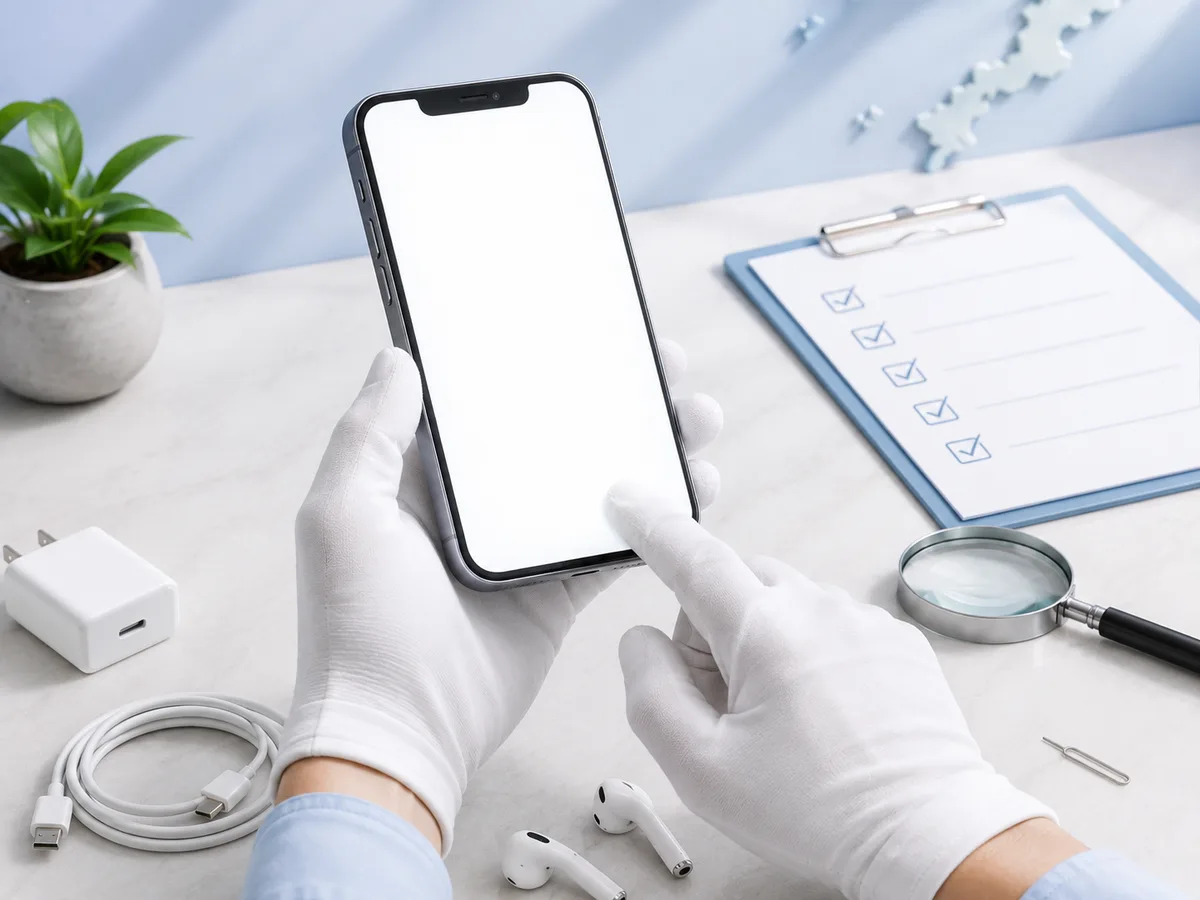
Начните с внешнего состояния. Осмотрите рамку, экран, камеры и разъёмы. Сильные вмятины могут говорить о падениях, а следы коррозии возле разъёма — о контакте с влагой.
Проверьте экран на белом, чёрном и однотонных фонах. Ищите пятна, выгорание, полосы и неработающие области сенсора. Откройте клавиатуру и проведите пальцем по всей площади экрана.
Затем последовательно проверьте:
- фронтальную и основные камеры;
- фокусировку и запись видео;
- микрофон и разговорный динамик;
- внешний динамик;
- кнопки и вибрацию;
- Wi‑Fi и Bluetooth;
- мобильную сеть;
- зарядку;
- Face ID, Touch ID или другой способ разблокировки;
- GPS и датчики ориентации.
Вставьте собственную SIM-карту, если это возможно, и совершите короткий звонок. Откройте карту и убедитесь, что геолокация определяется нормально.
IMEI, серийный номер и блокировки
IMEI на телефоне должен совпадать с данными в настройках и, если коробка присутствует, с маркировкой на ней. Несовпадение не всегда означает мошенничество, но требует понятного объяснения.
Особенно важно убедиться, что устройство не привязано к аккаунту предыдущего владельца. Перед оплатой продавец должен выйти из облачной учётной записи и отключить функцию поиска устройства. После сброса телефон не должен просить пароль чужого аккаунта.
Не публикуйте полный IMEI в открытом доступе и не отправляйте его случайным сервисам. Для проверки используйте официальные инструменты производителя или надёжный авторизованный сервис.
Аккумулятор: цифры и реальное поведение
Процент состояния аккумулятора полезен, но не заменяет тест. Даже при приемлемом показателе телефон может быстро разряжаться, перегреваться или выключаться под нагрузкой.
Во время осмотра включите камеру, навигацию, видео и повышенную яркость. Обратите внимание на нагрев и скорость падения заряда. Проверьте, не вздулся ли аккумулятор: корпус и экран должны прилегать ровно.
Для ноутбука посмотрите количество циклов и расчётную ёмкость батареи. Если устройство почти всегда будет работать от розетки, слабый аккумулятор может быть приемлемым поводом для скидки. Для мобильной работы это уже серьёзный недостаток.
Как проверить подержанный ноутбук
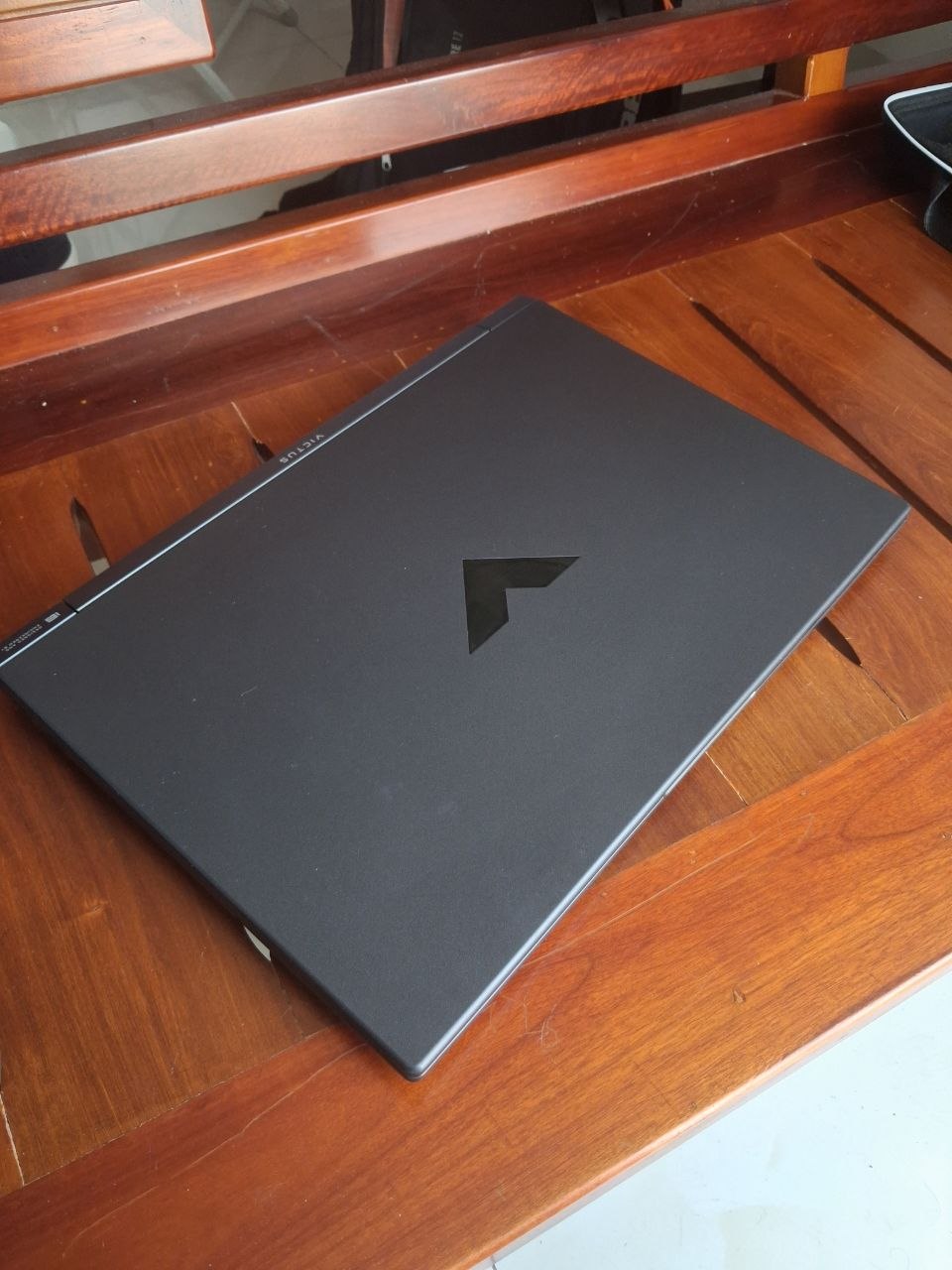
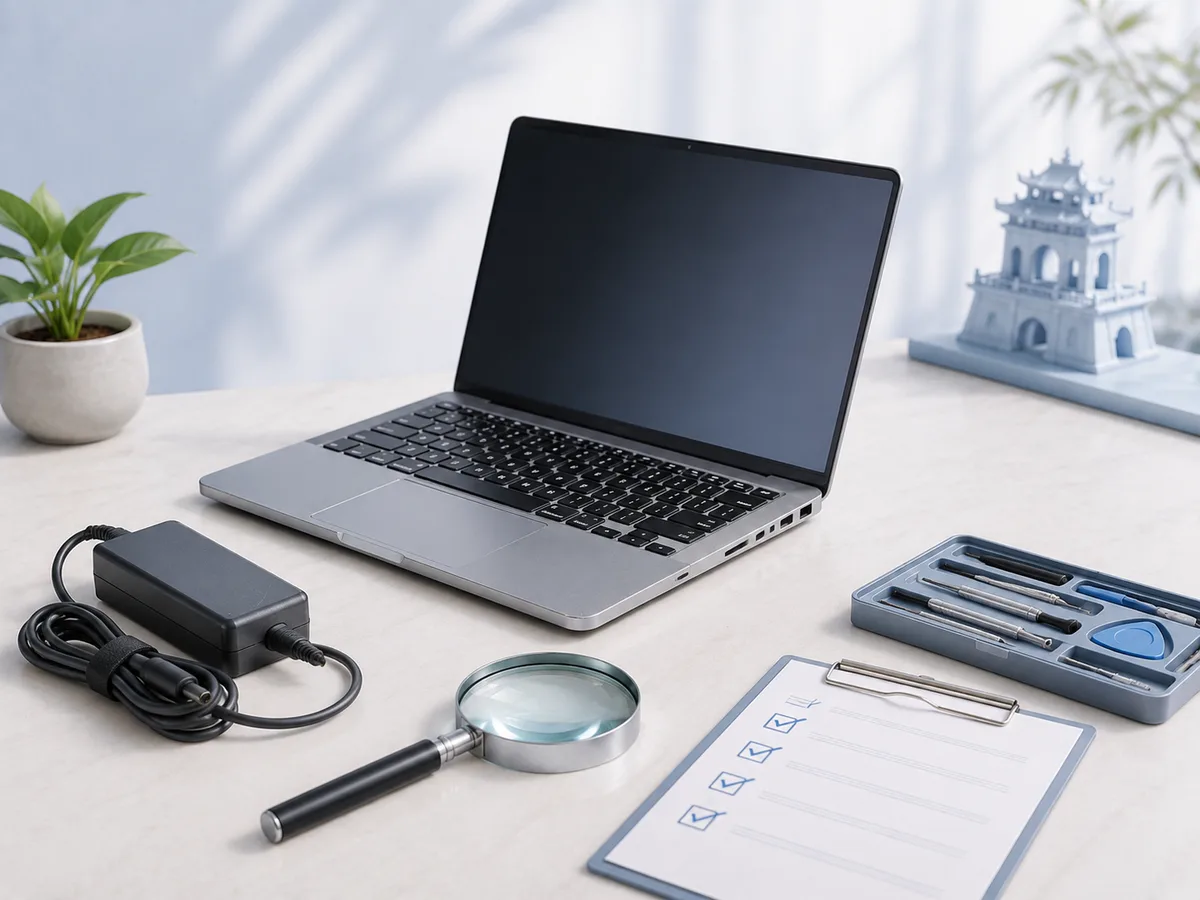
Ноутбук лучше осматривать там, где есть стол, интернет и розетка. Запланируйте хотя бы 30–40 минут.
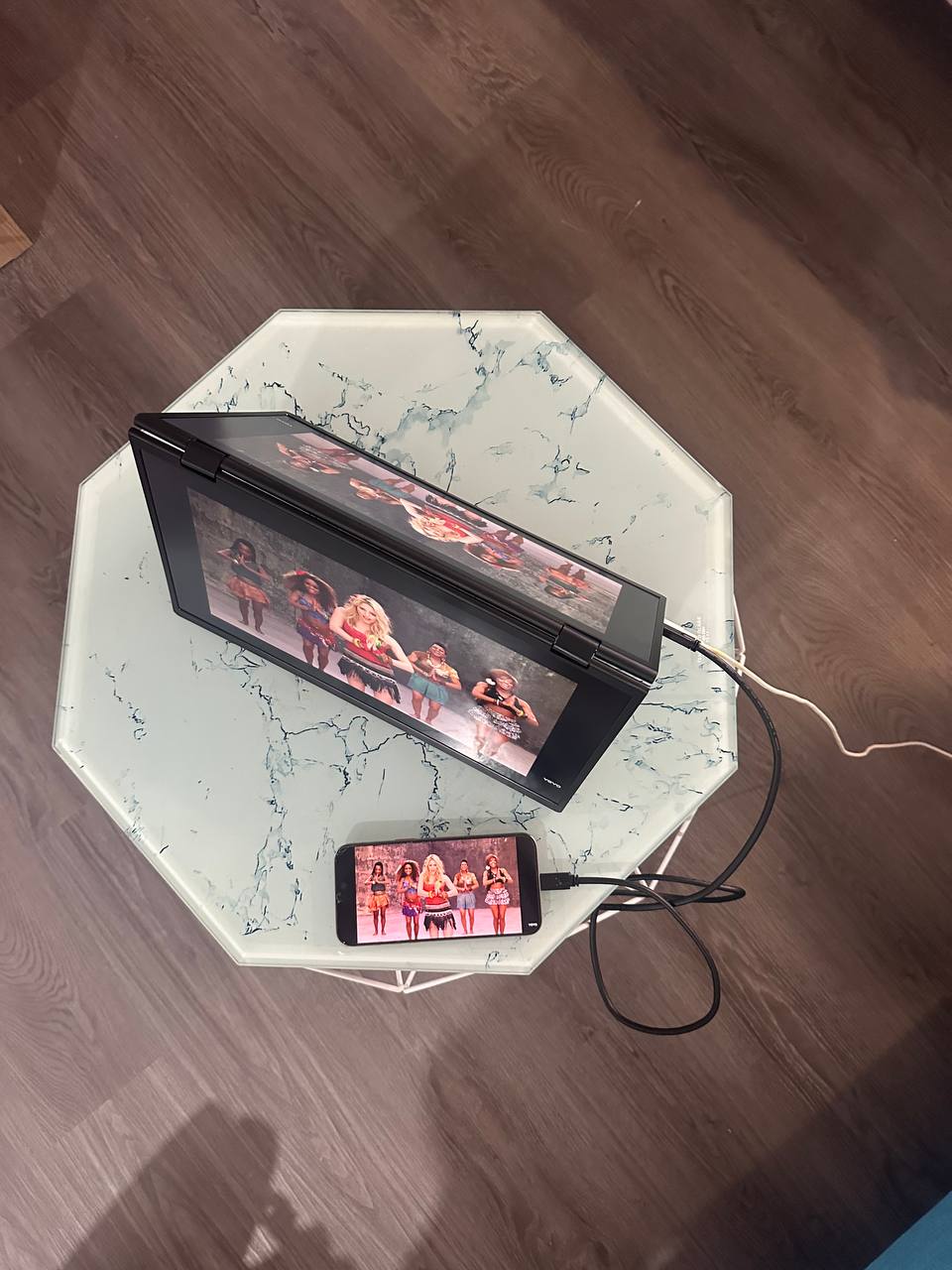
Проверьте корпус, петли, клавиатуру и тачпад. Экран не должен мерцать, иметь полосы или сильные засветы. Подключите зарядное устройство и убедитесь, что разъём не отходит при движении кабеля.
Откройте информацию о системе и сравните характеристики с объявлением. Проверьте:
- процессор и объём памяти;
- накопитель и свободное место;
- состояние батареи;
- Wi‑Fi, Bluetooth и веб-камеру;
- микрофон и динамики;
- все доступные порты;
- работу клавиатуры;
- температуру и шум вентилятора.
Запустите несколько приложений или браузер с несколькими вкладками. Если ноутбук внезапно зависает, перегревается или выключается, не списывайте это на «давно не обновлялся».
Ремонт и заменённые детали
Ремонт не всегда делает устройство плохим. Качественно заменённый аккумулятор или клавиатура могут продлить срок службы. Важно другое: кто выполнял ремонт, какие детали использовались и есть ли подтверждение.
Если продавец говорит, что экран «оригинальный», но не может объяснить историю устройства, ориентируйтесь на фактическое качество изображения и данные диагностики. У смартфонов после неофициального ремонта могут не работать отдельные функции, герметичность или уведомления о подлинности компонентов.
При дорогой покупке разумно встретиться возле сервисного центра и оплатить диагностику. Небольшая сумма за проверку может защитить от значительно больших расходов.
Оплата и передача устройства
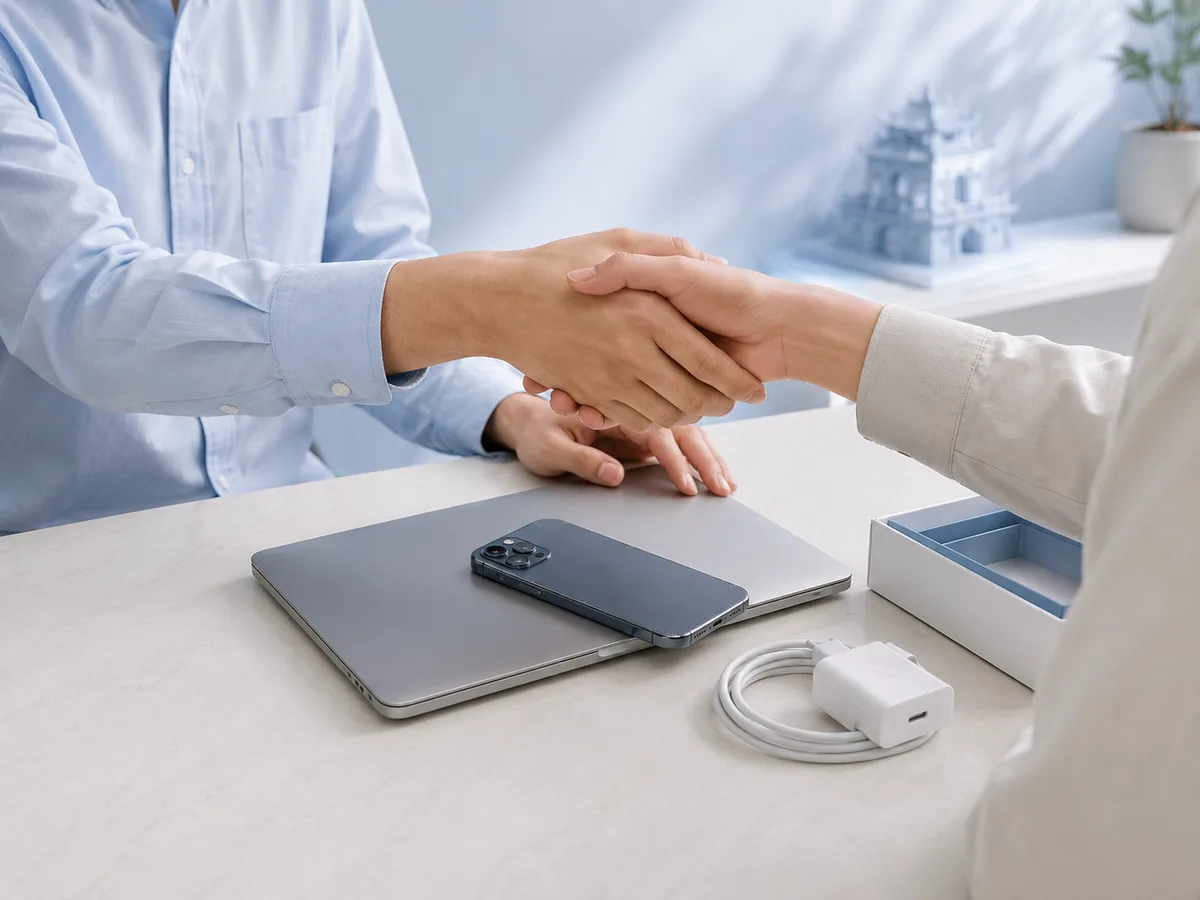
Не переводите полную стоимость до осмотра. Схемы с курьером, «безопасной доставкой» по неизвестной ссылке и срочной бронью часто используются для получения предоплаты.
Во время встречи:
- проверьте устройство;
- зафиксируйте серийные данные;
- убедитесь, что продавец вышел из аккаунтов;
- выполните сброс или договоритесь о нём при вас;
- проверьте поступление оплаты на стороне продавца;
- получите комплект и документы.
Для дорогой техники можно составить короткую расписку или сообщение в чате: модель, серийный номер, сумма, дата и подтверждение передачи. Это не заменяет юридическую консультацию, но фиксирует условия сделки.
Красные флаги
Откажитесь от покупки, если продавец:
- не даёт включить устройство;
- запрещает вставить SIM-карту или подключиться к Wi‑Fi;
- не может выйти из аккаунта;
- предлагает встретиться только в тёмном или неудобном месте;
- меняет цену и условия в последний момент;
- требует предоплату по подозрительной ссылке;
- не объясняет несовпадение модели, памяти или серийных данных.
Лучше упустить слишком выгодное предложение, чем купить заблокированное или неисправное устройство.
Покупка с рук должна оставаться спокойной
Хороший продавец обычно не возражает против разумной проверки. Хороший покупатель не требует чужих паролей и не пытается забрать устройство «на тест» без оплаты.
На Naidu объявления по электронике можно искать по понятным категориям: смартфоны, ноутбуки, компьютеры и другие устройства. Если перед покупкой нужна диагностика или ремонт техники, заранее обсудите с сервисом объём проверки. Но ответственность за проверку конкретной техники остаётся у участников сделки: каталог помогает найти вариант, а решение принимается только после полноценного осмотра.